The Priority Is Content
Content & Advertising.
Those two are usually fighting in the media.
While there’s plenty of examples of corralling each into their own space and co-habitation, Advertising is usually the one doing the bullying. We talk of the need for advertising to move beyond dis/interruption, but I’m not sure that’s possible. At best we can attain a salad dressing-like mixture of oil and vinegar. It might taste good, but look closely and you’ll see they never fully unify.
And I’m fine with that, because there’s 3 tools that put Content back in the drivers seat – Instapaper, Readability and the Reader tool in Safari 4.
It’s interesting these tools exist. It implies readability is not a priority for news and media websites.
advanced tip – many news sites break articles into multiple pages, somewhat crippling the tools below. The solution is to view the Printable version of articles. This *usually shows the article on one, continuous page.
Quick breakdown:
Instapaper
This is an iPhone/iPad application. First set up an account and download the app to your iOS device, then you set up a bookmarket in the bookmarks bar of your computer’s browser. As you come across articles you want to read later, you click on the bookmarket, which places the article into you Instapaper queue. Now, when you launch the Instapaper app, all the articles you ‘Saved for Later’ will get downloaded to your device (provided you have an internet connection). The best part of the app is it downloads just the article and associated images. No banner ads, no navigation, just the content.
Readability
Readability also uses a bookmarket. It’s simple, when you’re on a page you want to read, click on the bookmarket and the page instantly gets stripped of all formatting, leaving you with a clean white page with a single column of easy-to-read text. It also gives you links to: Return to Article, Print and Email.
Safari Reader Tool
This tool works the same as Readability, except it’s baked into the Safari browser. The only catch to this tool is it only shows up in the address field when you’ve reached a page Safari deems eligible, such as individual article and blog post pages. It won’t, for instance, be available to use on the home page of the NYTimes.




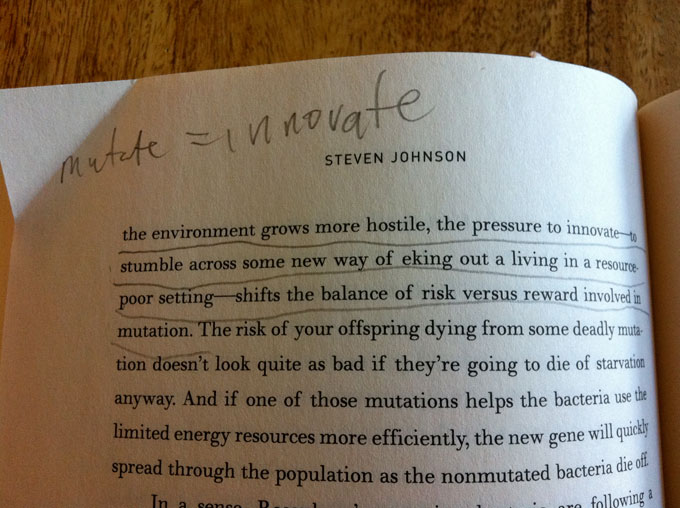 Some might look disapprovingly at image above, with all those crude lines and chicken scratch writing, but for me, being able to underline chunks of text, scribble notes and circle words I want to look up later opens up a deeper level of comprehension into the book I’m reading. Of course this method can be adapted with an e-reader by simply pairing it with a physical notebook, but it’s a little more effort and not well-spent effort. I’m not a psychologist but something about physically interacting with a book takes reading beyond simple consumption. It becomes a form of creation. By the time you reach the end of your book you’re not left with the same pages you started with. No, no … these are my pages now. Sure, the author is making his points, but I’m deciding which ones are important. Once I’ve read through and made sufficient notes I can begin the fun game of flipping back and reading over the passages I marked up.
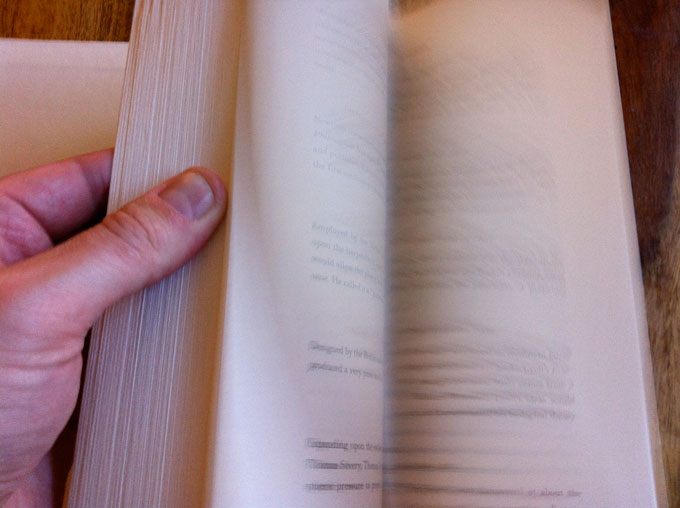 This might seem like a minor point, but the fact that I can’t easily flip between pages on a Kindle is a huge frustration. No, this doesn’t mean I’m not able to remember what I’ve read, but sometimes I want to reread passages. Great books, like great movies, are meant to be read over and over (unless you’re satisfied watching a Kubrick movie once). I’m completely confident this technological limitation of e-books will be resolved but until then, my thumbs rule.